AdvancedWidget — Store Manager Guide
This guide explains how to use MageOS AdvancedWidget from the Magento Admin panel. No coding knowledge required.
Overview
MageOS AdvancedWidget extends the Magento widget system with advanced configuration capabilities. The main feature is multi-row settings: widgets can expose repeatable sections where store managers can add, edit, sort, and remove an unlimited number of rows — each with its own set of fields.
Additional field types are also available: image picker, product picker, and select fields, giving agencies the tools to build rich, data-driven widget configurations without writing custom Page Builder UI components.
For agencies
The module is designed to let development teams build advanced CMS widgets with complex, repeatable configurations and a broad set of field types. Combined with MageOS PageBuilderWidget, it becomes possible to create fully custom Page Builder components — complete with canvas preview and multi-row settings — without the need to develop custom Page Builder UI components from scratch.
How it Works
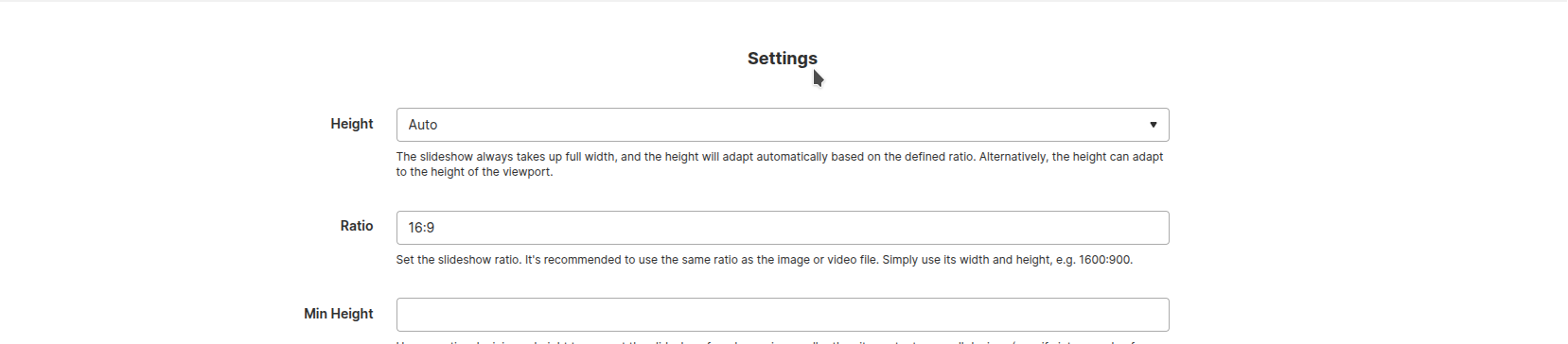
Title Separators
Widgets can include visual section separators to group related fields and make long configuration panels easier to navigate.
Repeatable Sections (Multi-row)
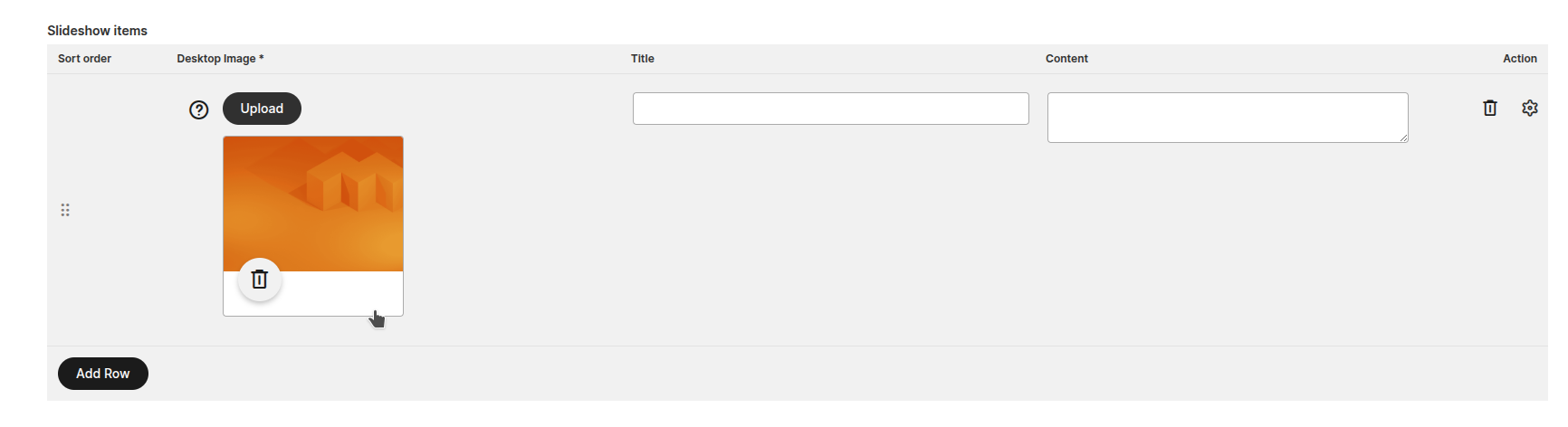
The core feature is the ability to define repeatable sections — areas where you can add an unlimited number of rows, each containing its own set of fields.

Tooltips
Each field inside a row can show a tooltip to guide you on what to enter.

Validation
Fields marked as required will be validated before saving. The form will highlight any missing values.

Sorting
Rows can be reordered by dragging the sort handle on the left side of each row.

Inline vs. Modal editing
Some fields are editable directly in the main row. Others require opening a detail modal for editing — the developer decides this per field.
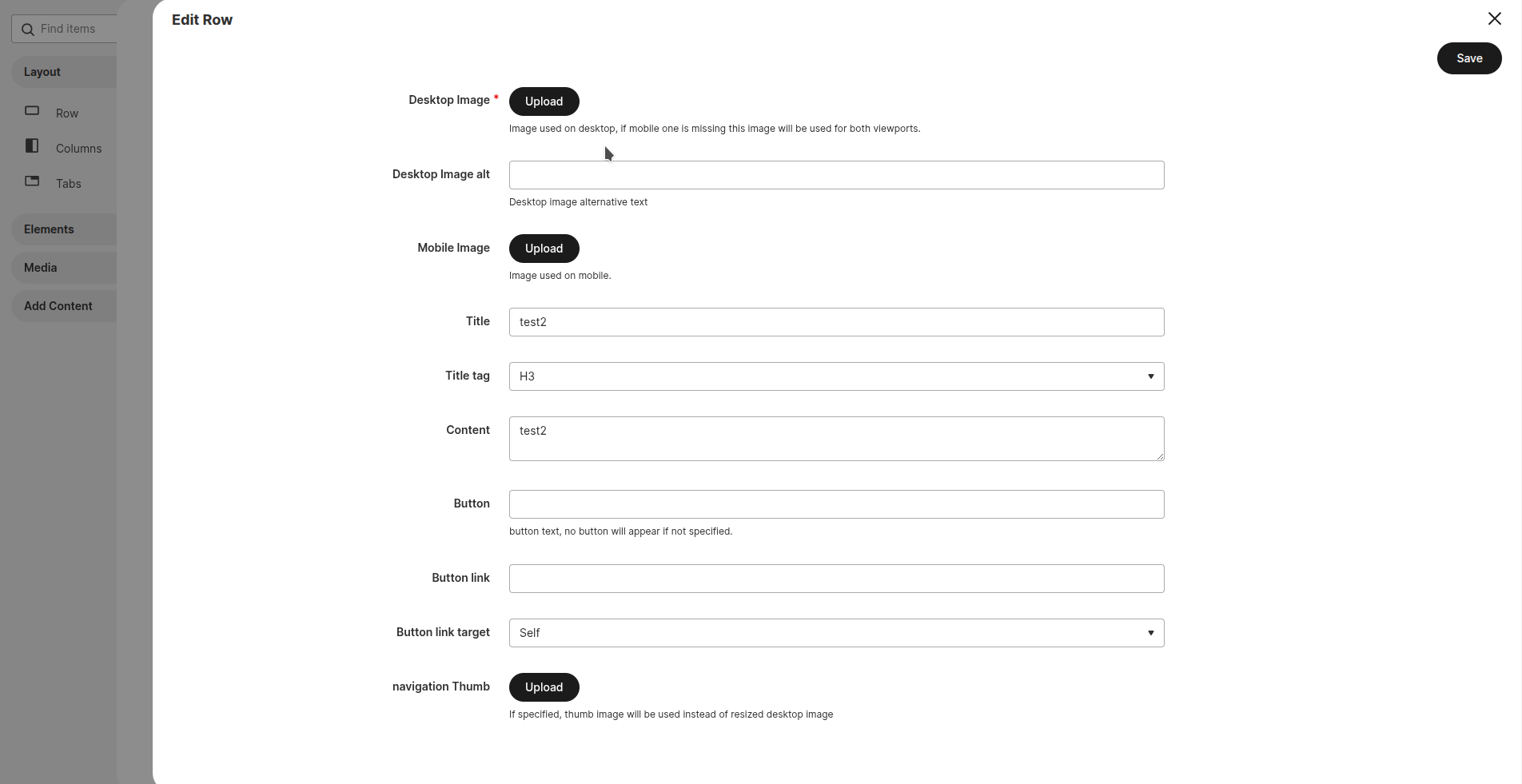
Image Field
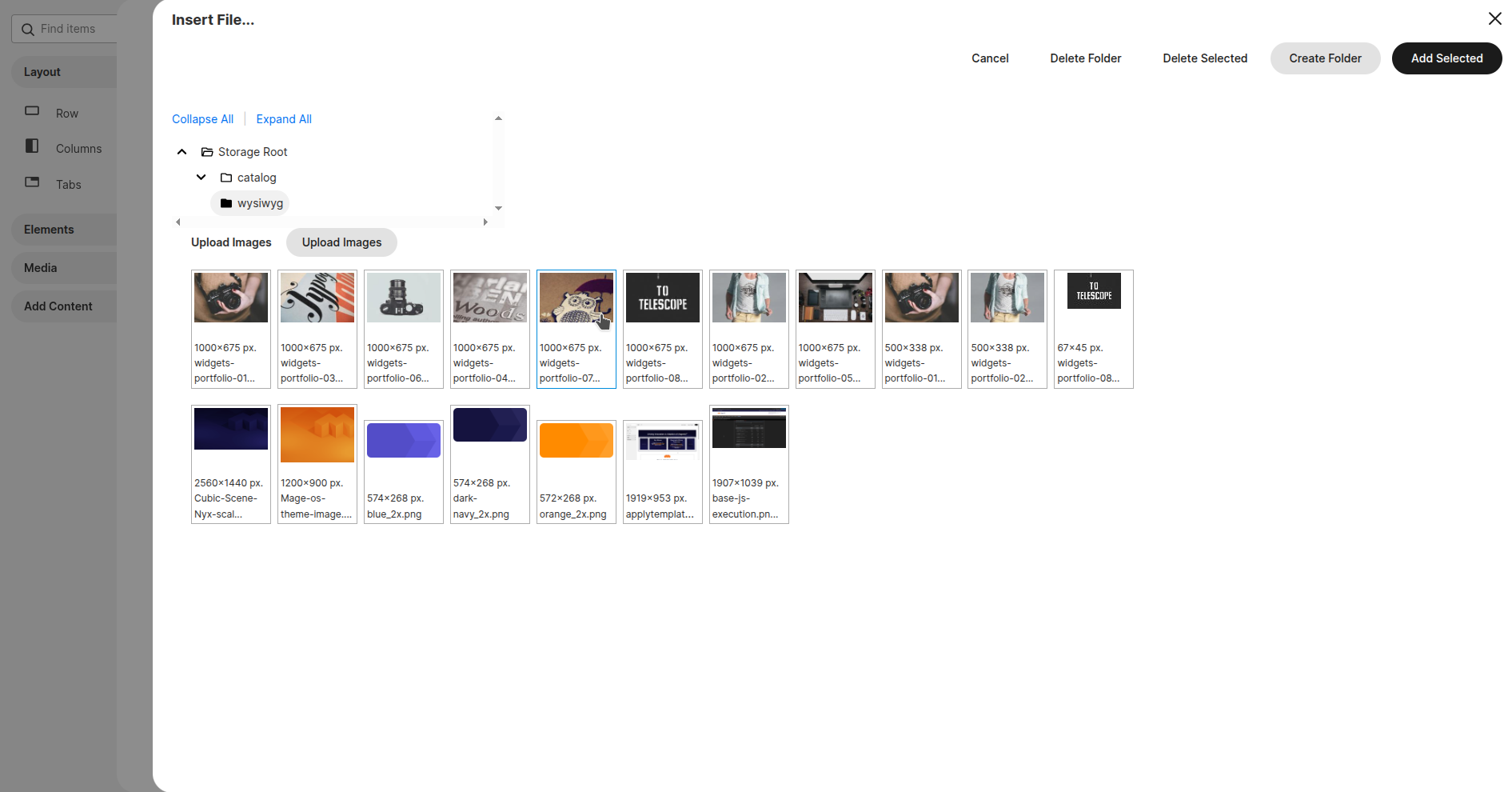
Rows can include an image picker that opens the Magento media gallery, letting you select or upload an image.
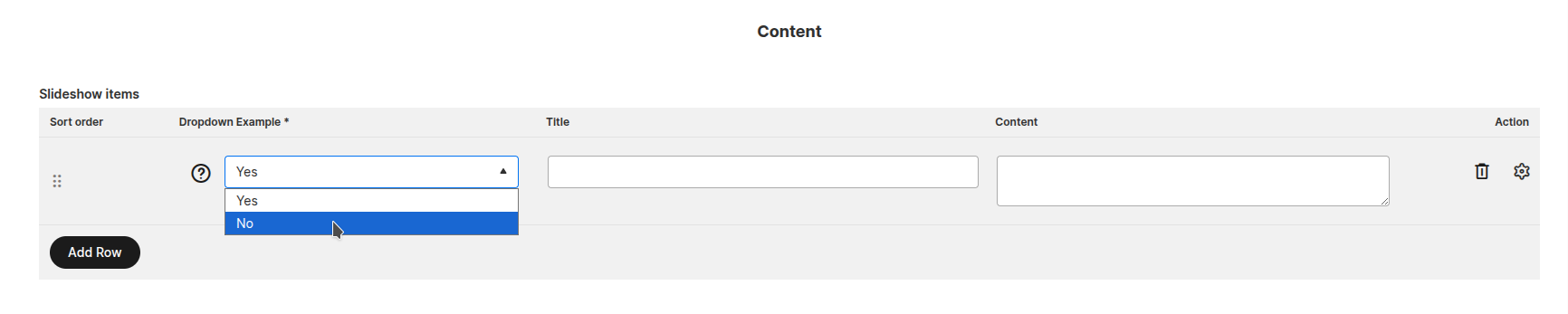
Select Field
Rows can include dropdown select fields with predefined options.
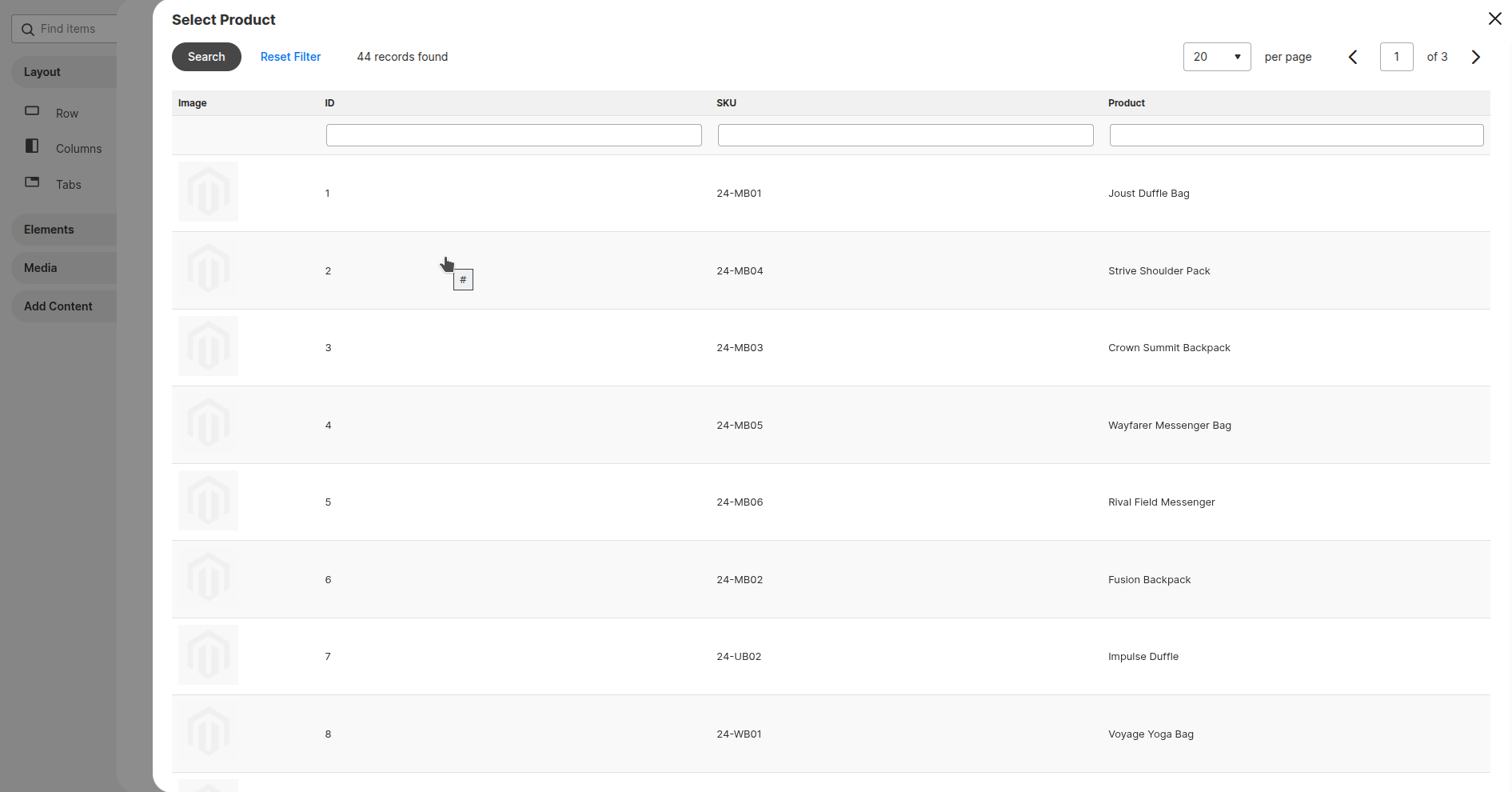
Product Field
Rows can include a product picker that opens a product search grid.

FAQ
Is this module able to work together with PageBuilderWidget?
Of course — it was developed for that scope! AdvancedWidget depends on MageOS PageBuilderWidget and the two modules are designed to be used together to build custom Page Builder components with advanced configurations.
Are multi-row configurations working together with template import/export?
Absolutely. No need to specify anything special to make it work — multi-row data is handled transparently by the import/export process.